 English



Visualizer Software for Teaching
VIISAN VisualCam Interactive Visualizer Software
Interactive document camera software for classroom teaching, online learning, training, presentations, annotation, split-screen comparison, picture-in-picture recording, whiteboard tools, document scanning, and OCR.
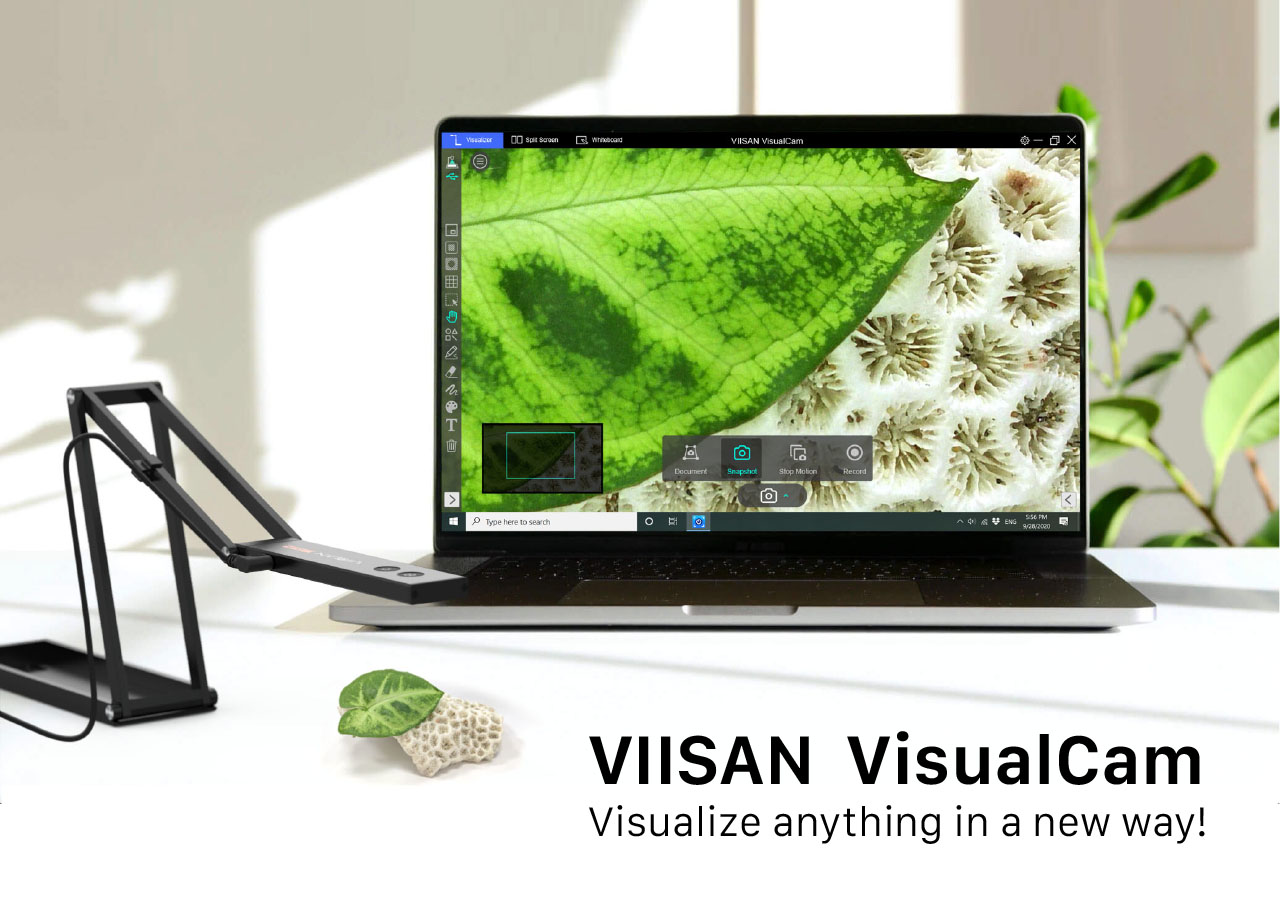
Turn Live Demonstrations into Interactive Teaching Experiences
Designed for VIISAN document cameras and classroom visualizer workflows, VisualCam turns live camera content into an interactive teaching and presentation experience. Users can annotate, compare, record, scan, crop, highlight, mask, and explain physical materials more clearly.
Capture and Recording
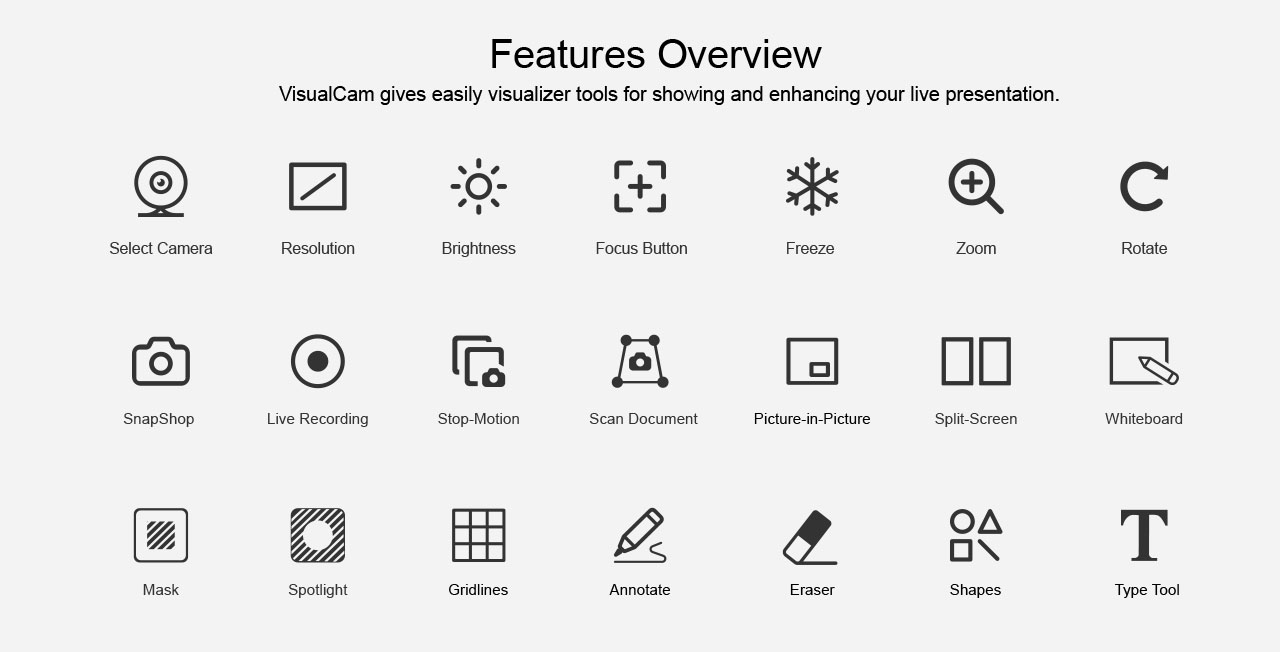
Snapshot, video recording, stop-motion, document cropping, and picture-in-picture recording.
Presentation Tools
Mask, Spotlight, pen tools, disappearing pen, smooth pen, marker, text, shapes, and whiteboard.
Comparison and Scanning
Split-screen comparison, document scan, desk cropping, PDF/JPG output, and OCR support.
Image Controls
Zoom, flip, mirror, rotate, resolution settings, brightness adjustment, autofocus, and freeze frame.
Annotation
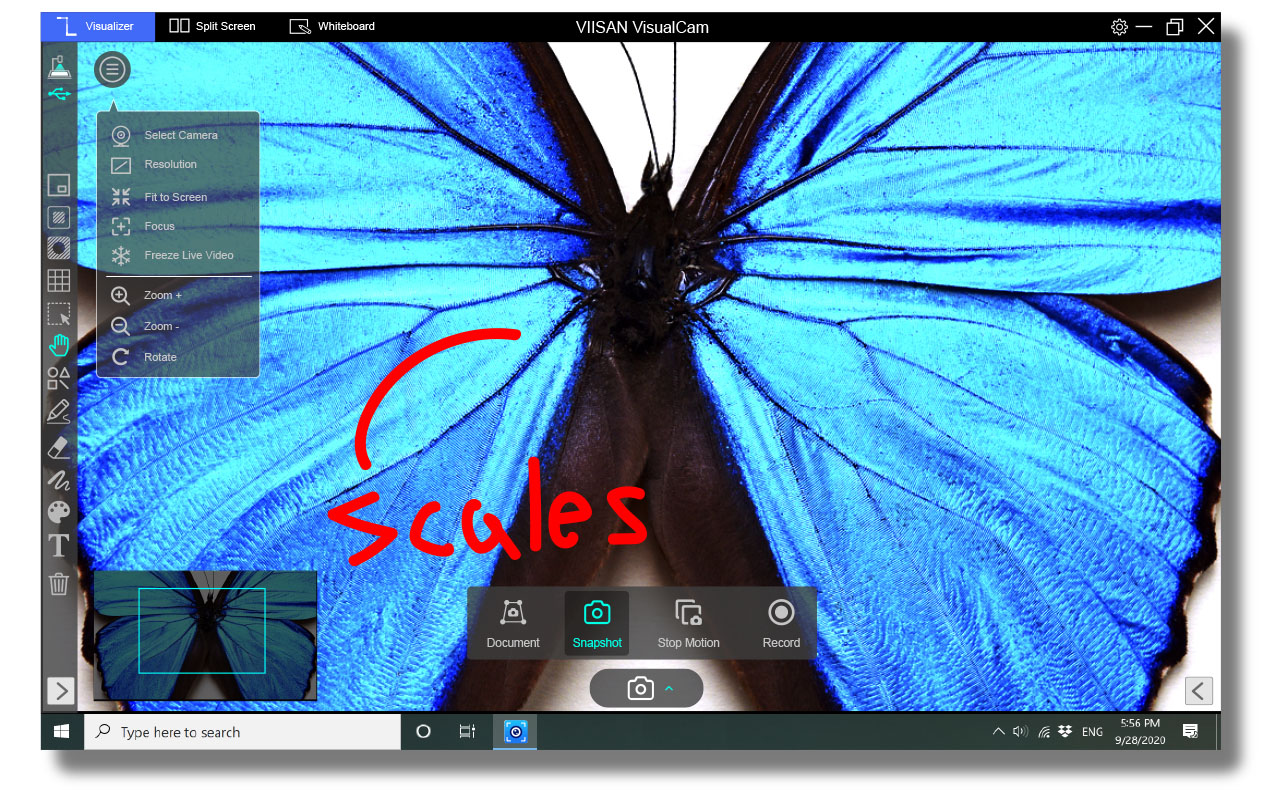
Simple and Fast Annotation Tools
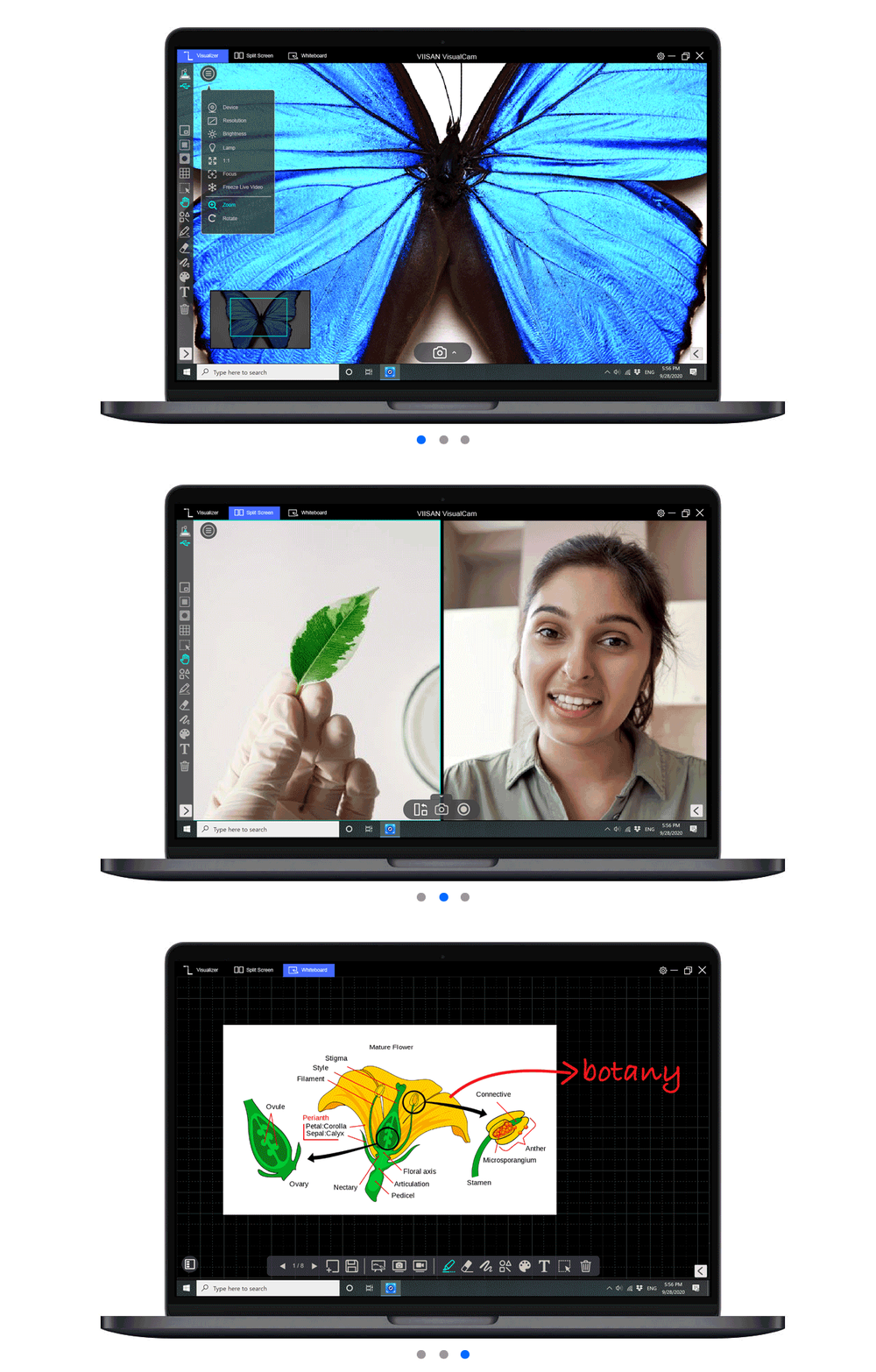
In Visualize mode, users can zoom in or out, freeze the live view, rotate the image, adjust brightness, change resolution, and annotate directly on screen for more effective teaching, training, and presentations.
Focus Tool
Spotlight for Guided Presentations
Spotlight lets you highlight a specific area so your audience focuses on exactly what matters. It is useful for step-by-step teaching, product explanation, document review, and classroom discussion.
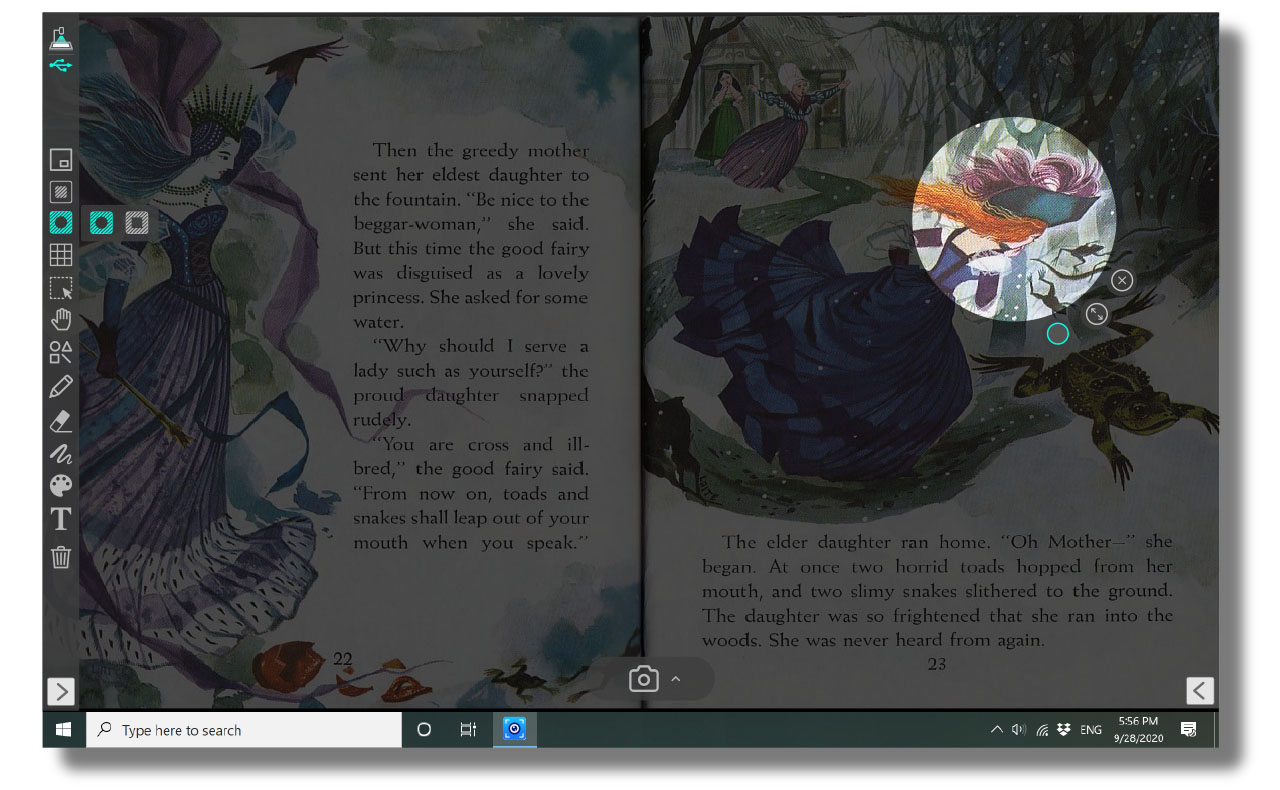
Masking
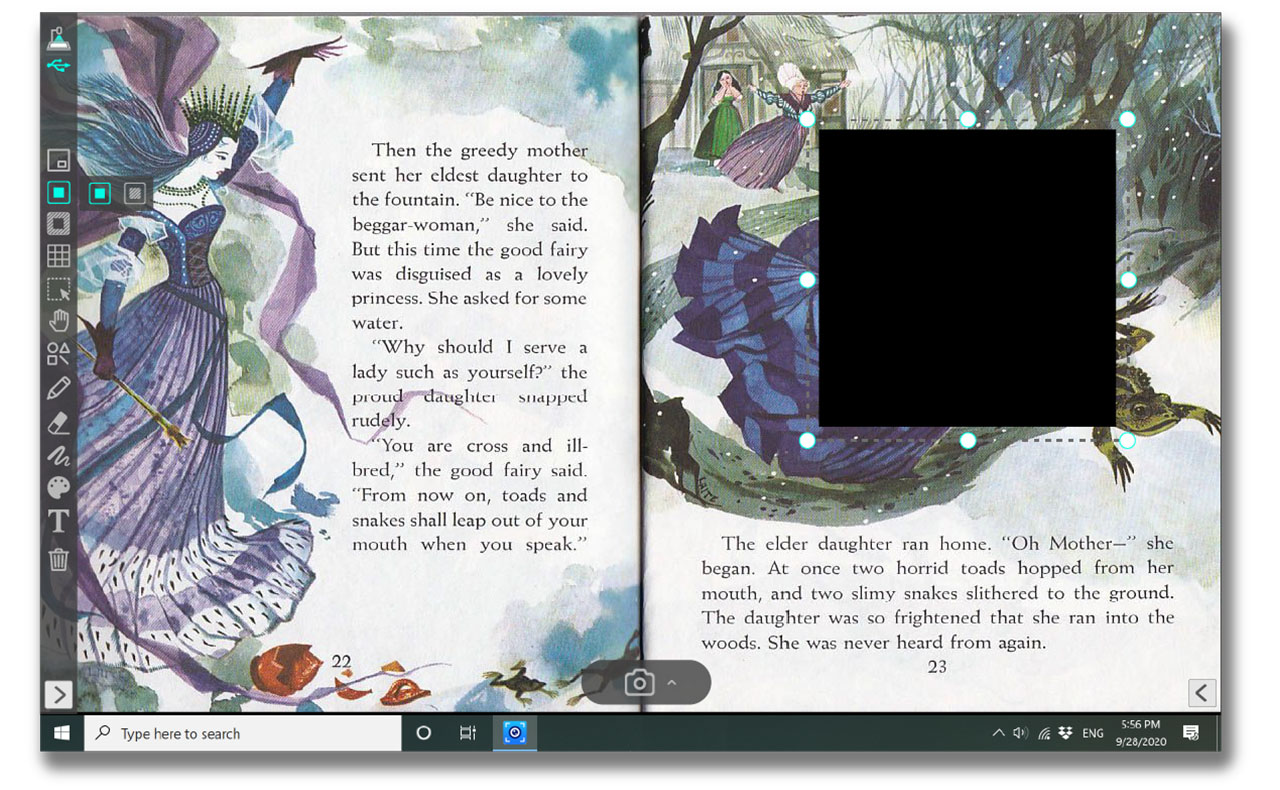
Mask Tool to Control What Students See
Use Mask to cover distracting areas and keep attention on your key content. Drag to resize and reposition the mask block during presentations, quizzes, and teaching explanations.
Comparison Mode
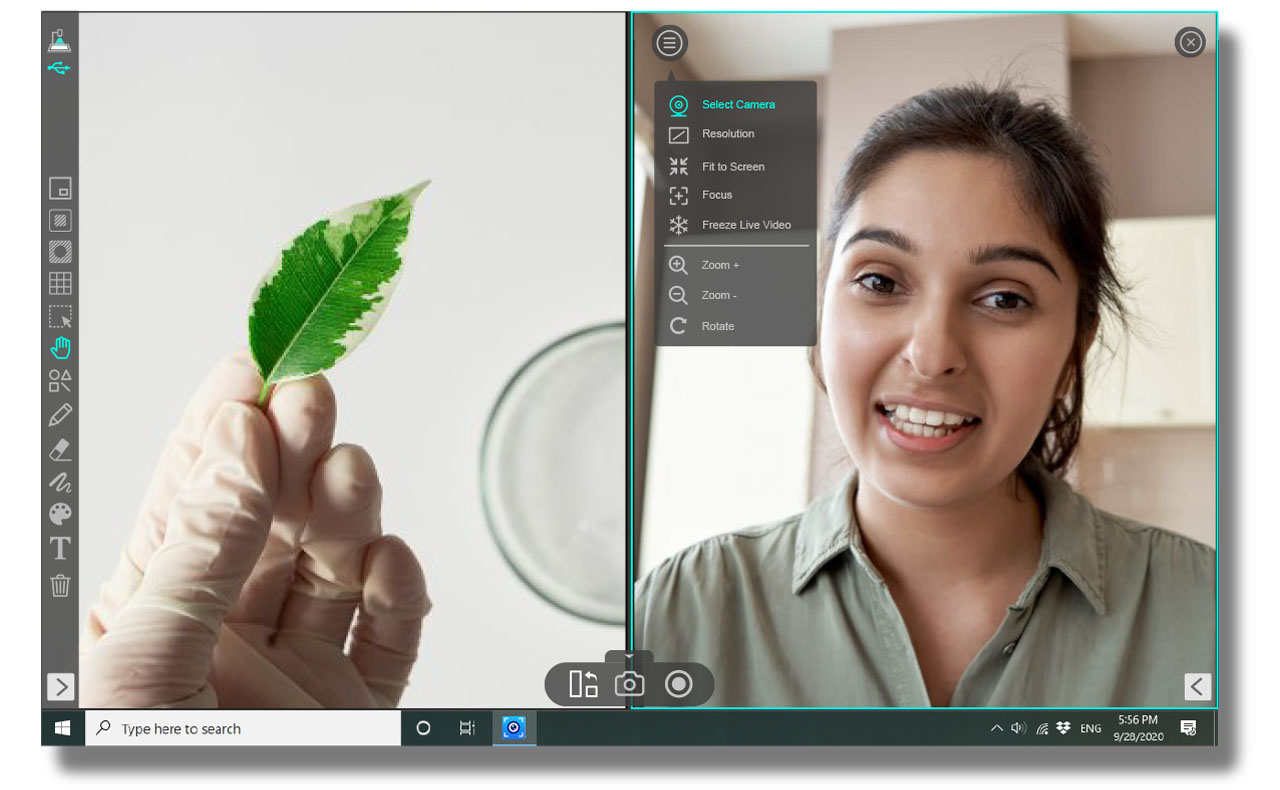
Split-Screen Comparison
Compare images side by side or connect two document cameras to present multiple views at once. This helps teachers and presenters compare student work, experiment results, before-and-after examples, or different physical materials.
Recording
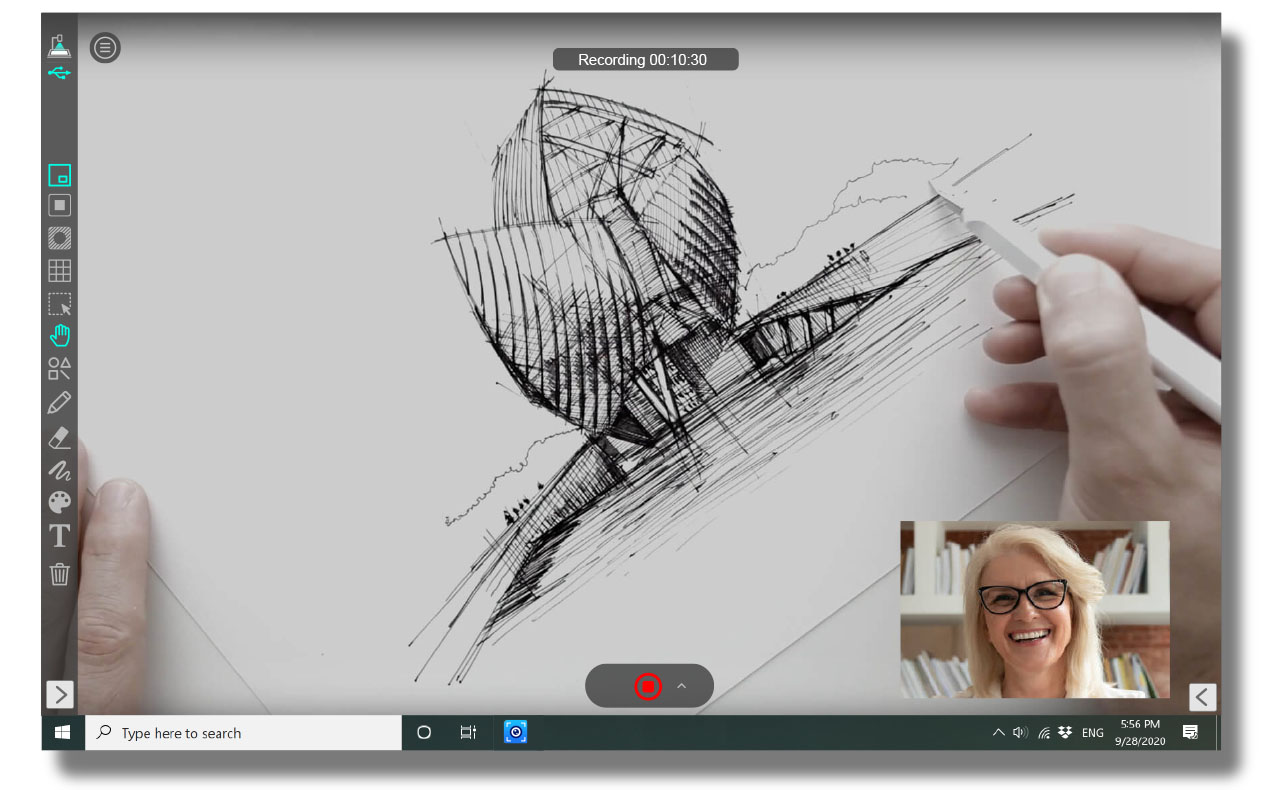
Picture-in-Picture Video Recording
Record demonstrations more clearly by showing the work area on the main screen while displaying the presenter view in a smaller window. This is ideal for online lessons, training videos, remote demonstrations, and presentation recording.
Creative Teaching
Stop-Motion Video Creation
Create smooth stop-motion videos with a ghost overlay preview, so you can fine-tune each frame before capturing. This is useful for creative classroom projects, object movement demonstrations, and visual storytelling.
Whiteboard
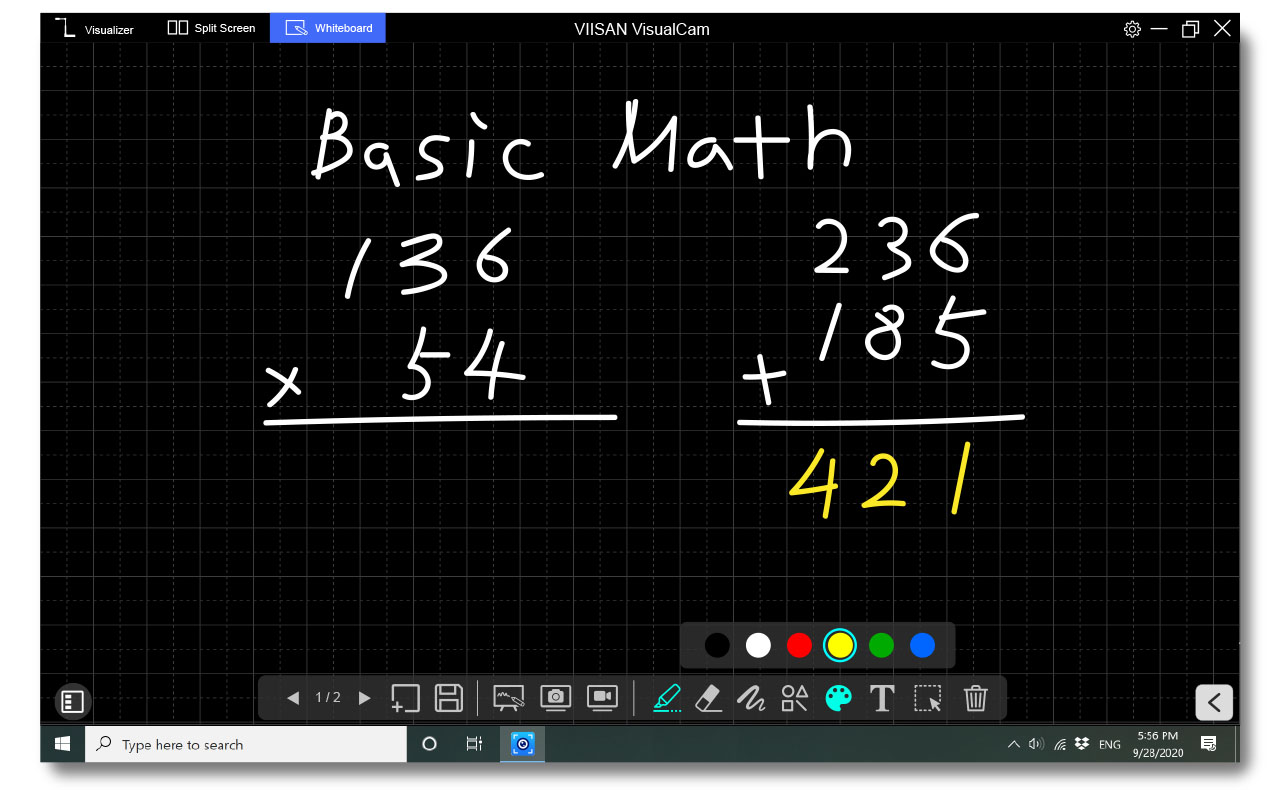
Interactive Whiteboard
Turn your computer into a blank canvas. Use pens, erasers, lines, and shapes to draw, annotate, explain ideas, and create teaching content in real time.
Document Scan
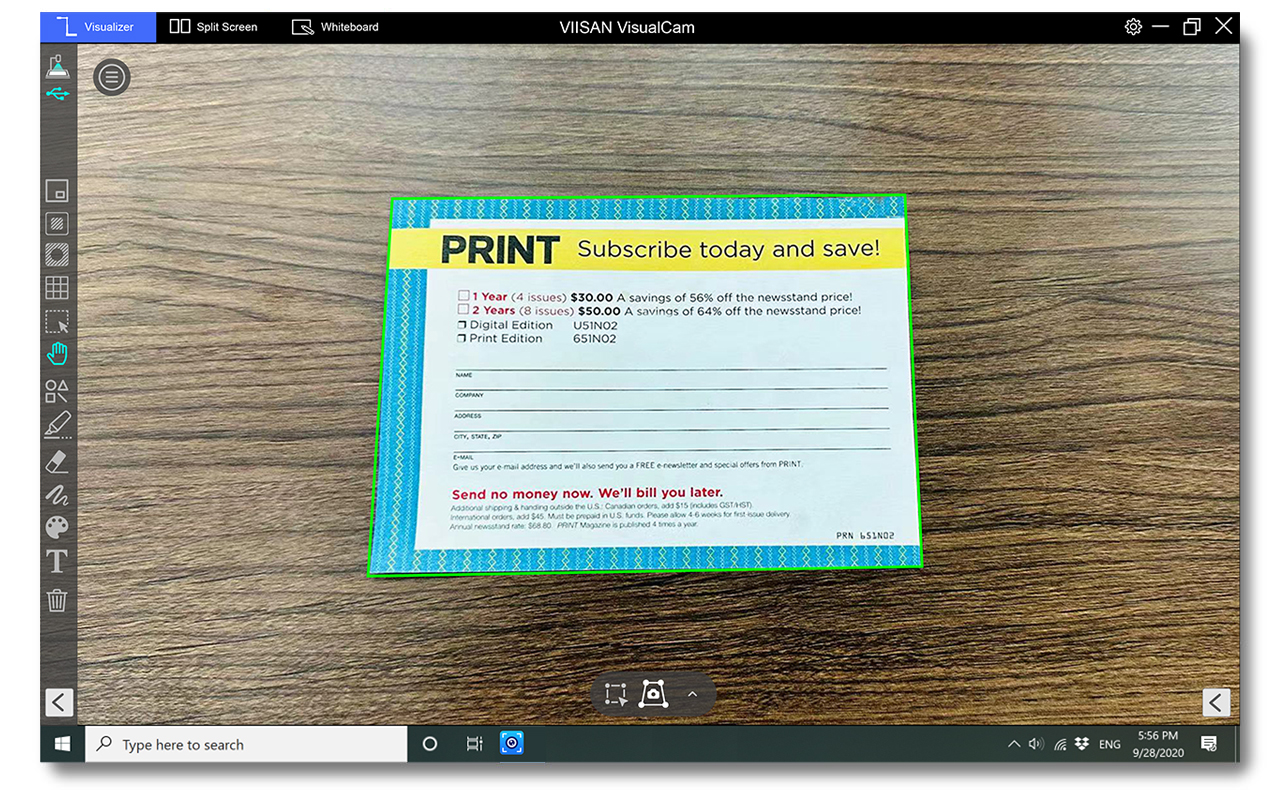
Document Scan, Cropping, and OCR
Scan with auto-detection or manually select a capture area. Save as JPG or PDF, and extract text using multi-language OCR for document management, teaching materials, and office workflows.
Use Cases
Built for Flexible Teaching and Presentation Workflows
VisualCam combines essential classroom visualizer functions with practical tools for recording, scanning, annotation, comparison, and content creation.
Classroom Teaching
Present textbooks, worksheets, objects, experiments, and physical materials clearly.
Online Learning
Record demonstrations and share live document camera content in remote lessons.
Business Presentations
Explain documents, samples, objects, product details, and physical materials visually.
Demo Video
Watch VisualCam in Action
See how VisualCam supports classroom teaching, visual presentation, annotation, document camera workflows, and interactive demonstrations.
FAQ
Common questions about VIISAN VisualCam interactive visualizer software.
What is VIISAN VisualCam used for?
VIISAN VisualCam is used for document camera teaching, live demonstrations, annotation, split-screen comparison, picture-in-picture recording, stop-motion video creation, whiteboard teaching, document scanning, cropping, and OCR.
Does VisualCam support annotation?
Yes. VisualCam supports on-screen annotation tools, including pen tools, markers, shapes, text, and whiteboard functions for teaching and presentations.
Can VisualCam record videos?
Yes. VisualCam supports video recording, picture-in-picture recording, and stop-motion video creation for online lessons, training videos, and demonstrations.
Does VisualCam support document scanning and OCR?
Yes. VisualCam supports document scanning, auto-detection, manual cropping, JPG/PDF output, and multi-language OCR for document management and teaching materials.
Turn Live Demonstrations into Interactive Teaching Experiences
With annotation, Spotlight, Mask, split-screen comparison, picture-in-picture recording, stop-motion, whiteboard tools, document scanning, cropping, and OCR, VisualCam helps educators and presenters deliver clearer and more engaging visual content.
To learn more about VisualCam, contact info@viisan.com.
Contact VIISAN